🛠️ Installation Guide
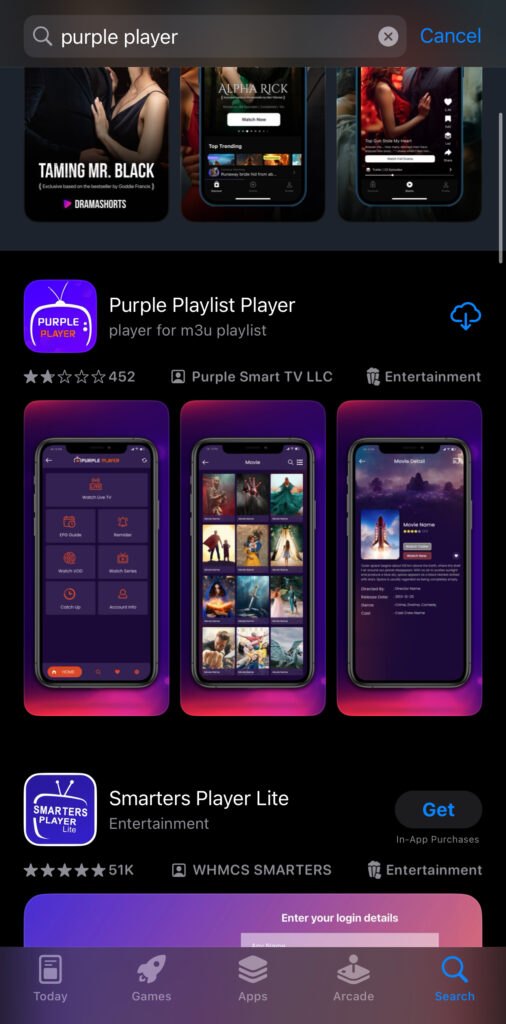
Step 1: 🔍 Get the App
Go to the App Store and search for Purple Player.
Step 2: 🔔 Allow Notifications
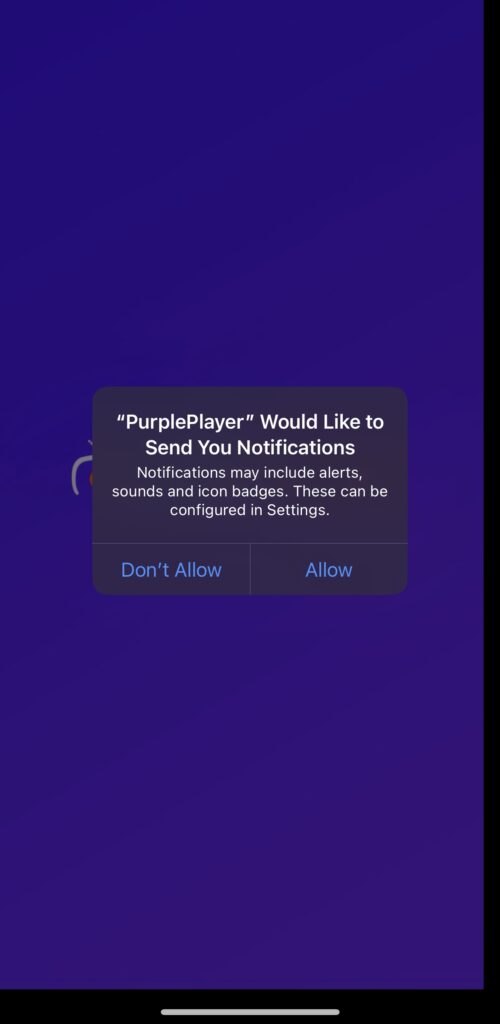
Once the app has been installed, open the app and Allow the notification.
Step 3: ✅ Consent
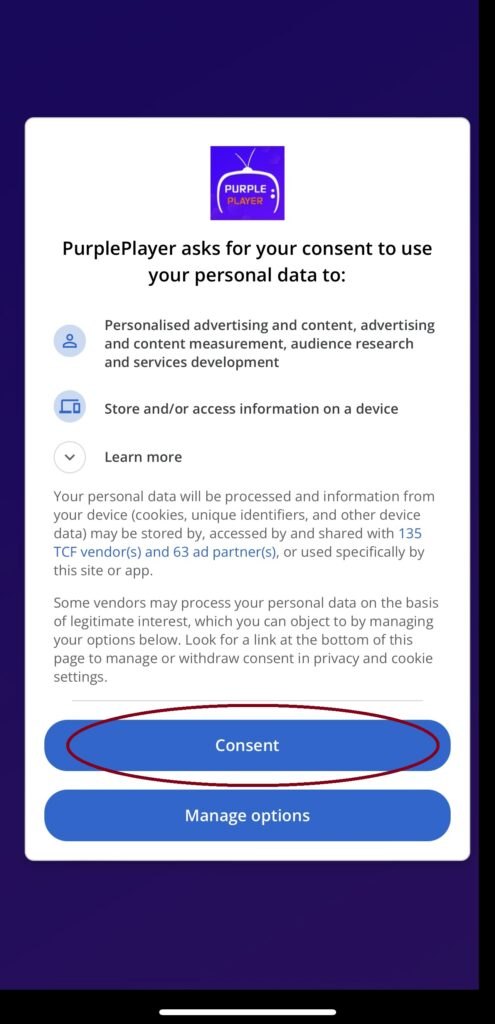
Now click Consent.
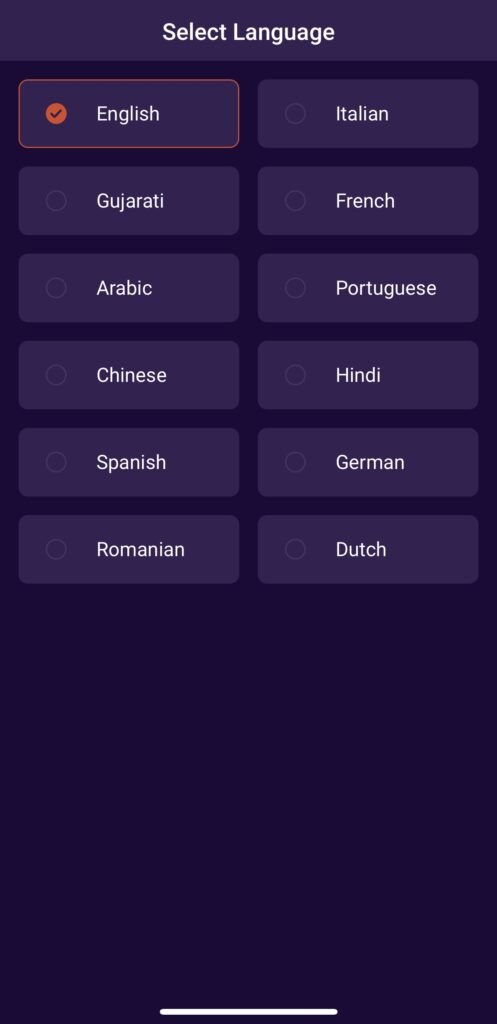
Step 4: 🌍 Language
Choose your language.
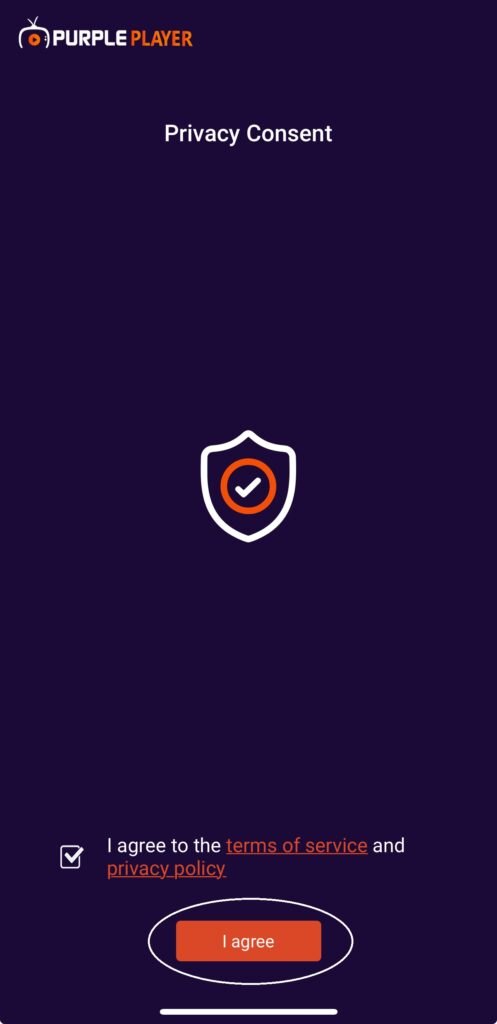
Step 5: 🤝 Agree
Now press I Agree.
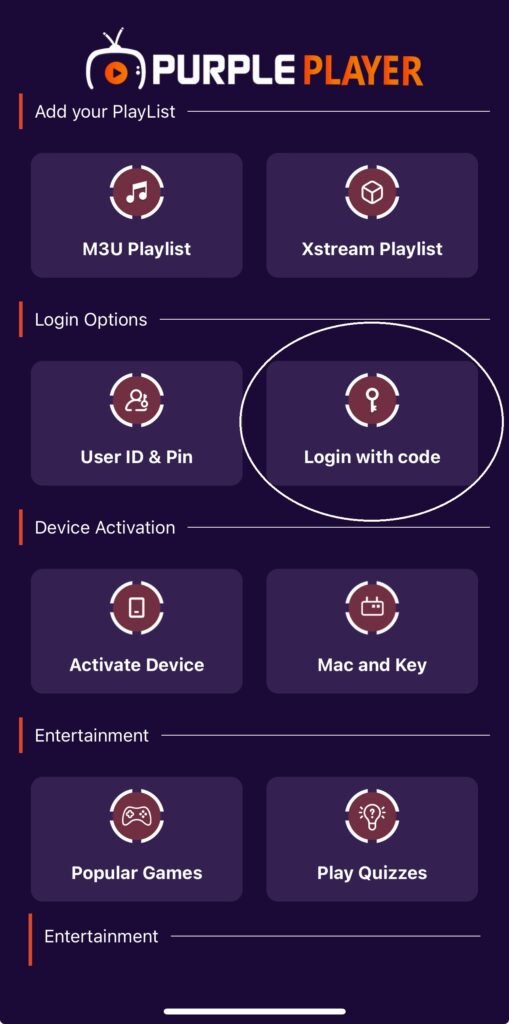
Step 6: 🔑 Login With Code
Click Login with Code.
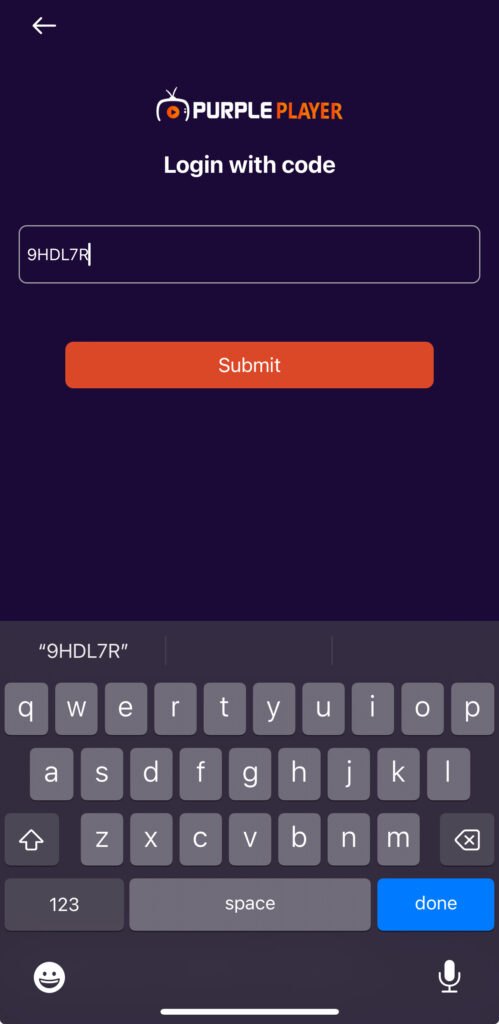
Step 7: 🔢 Enter the Code
Enter the following code into the box: 9HDL7R and press Submit.
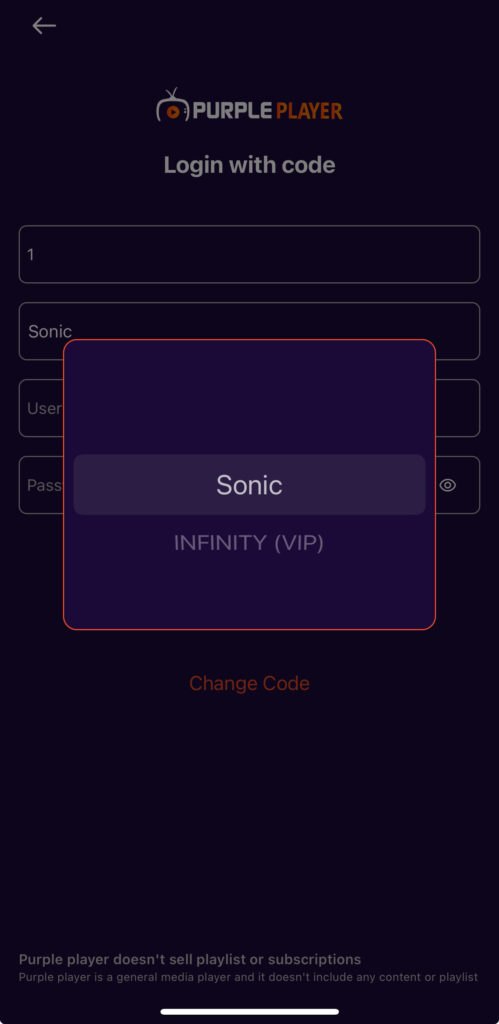
Step 8: 📺 Choose Your Service
Now choose the service you purchased and fill in the login details provided when you purchased our service.
Step 9: 🎉 You’re In
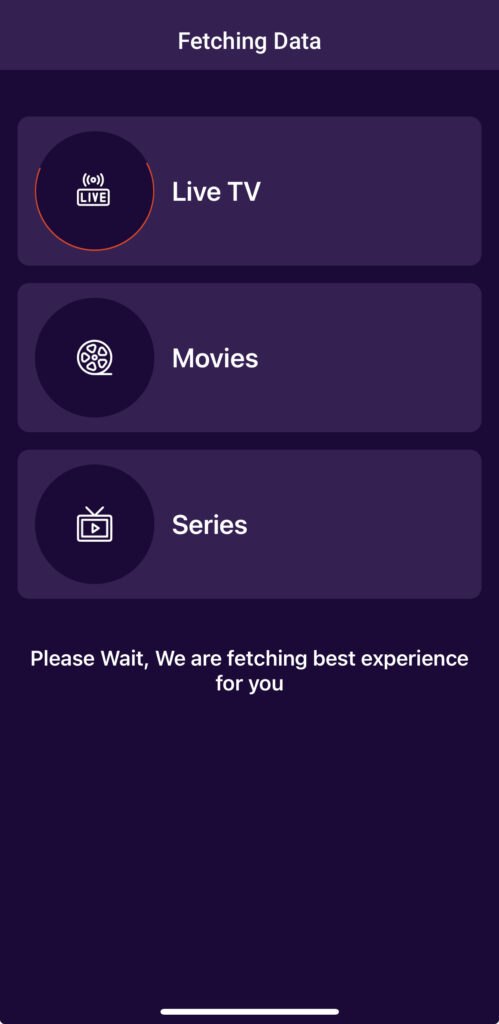
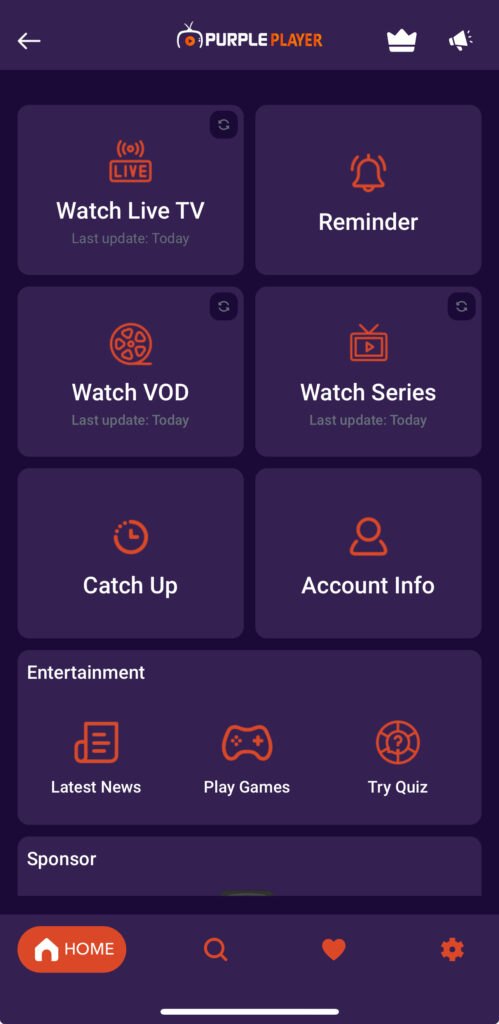
It should now log you in and refresh the app to bring the latest content.
⚙️ Other Functions
🔄 How to Refresh the Content?
📣 Please remember to do this when PPV events are coming on so that you have an up-to-date list.
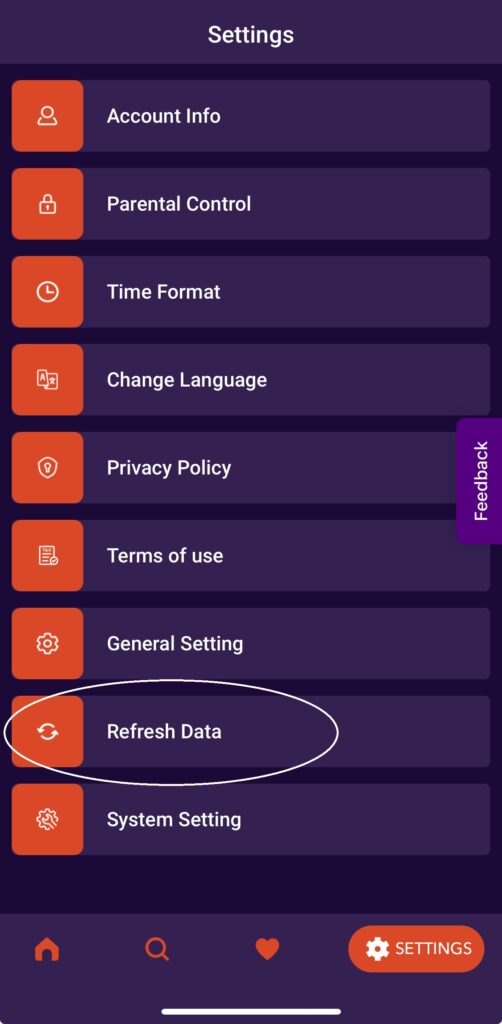
Simply click on Settings.
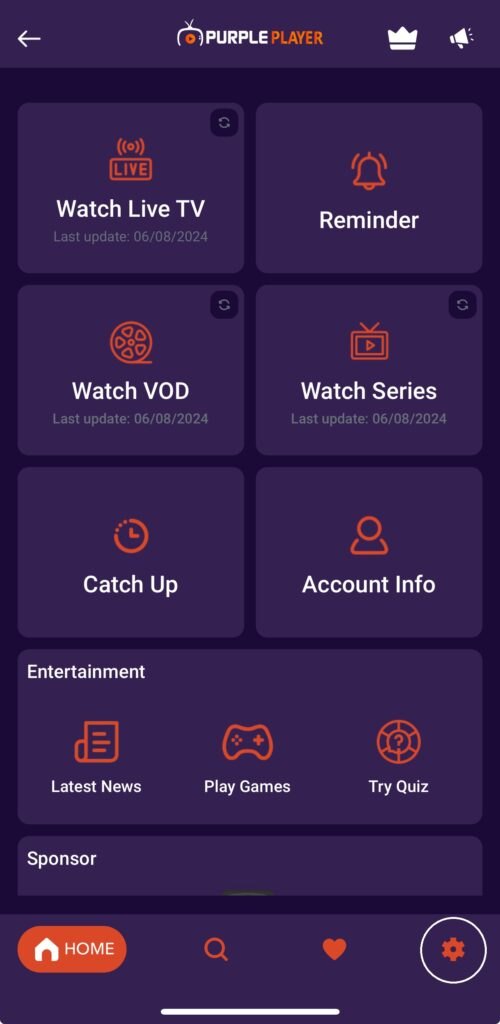
Now click Refresh Data.
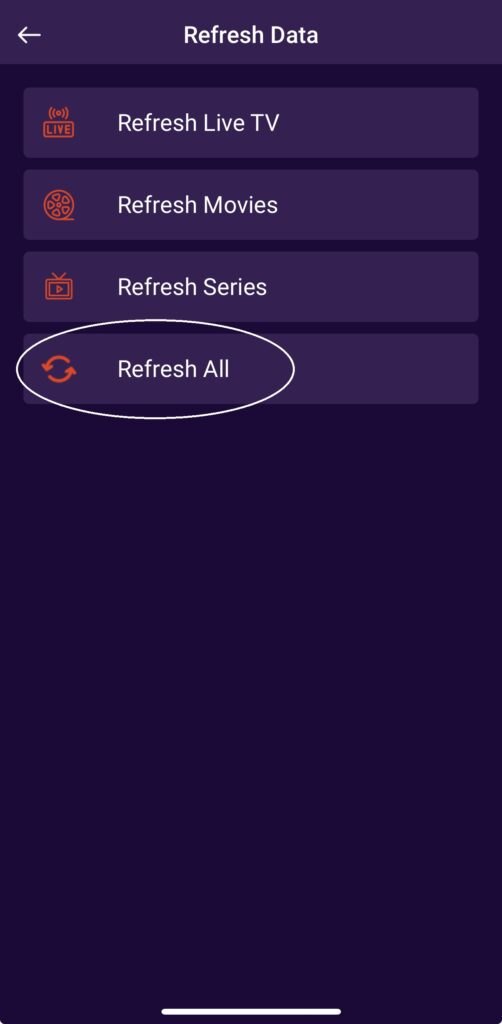
Now click Refresh All.
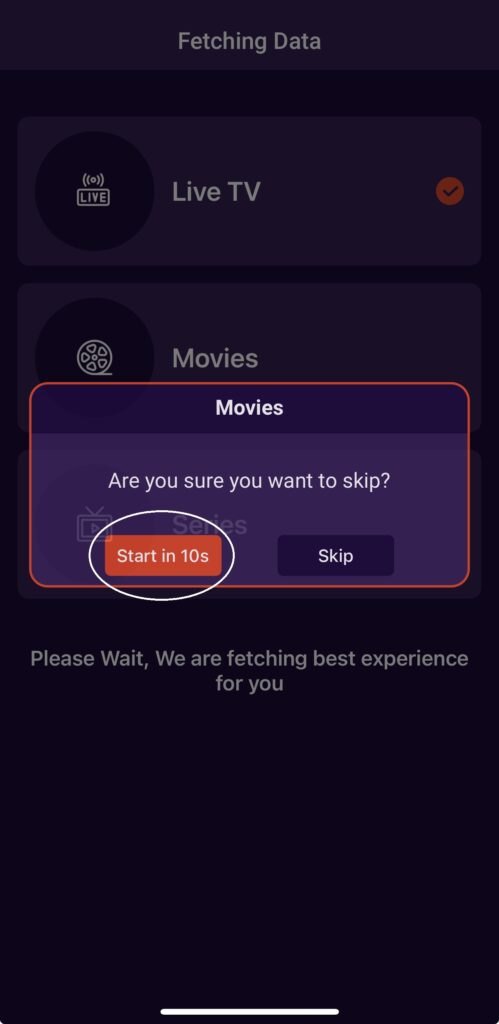
Click on the button circled every time it pops up.
🔀 How to Add / Switch Between Providers?
⚠️ Note: You must have purchased two different subscriptions from us, meaning from the other providers on our Home Page.
Also, make sure you have already inserted your login details if you are trying to switch accounts.
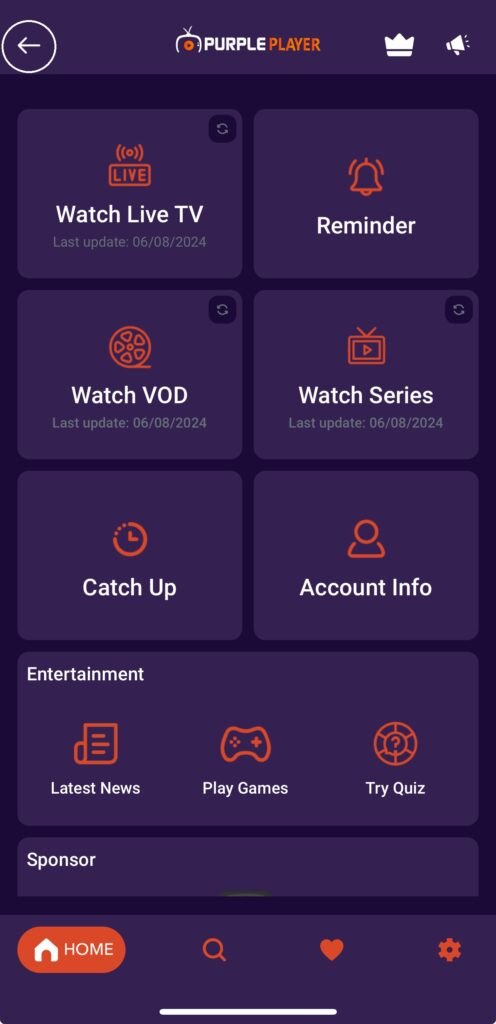
Click on the back arrow button circled in the image below.
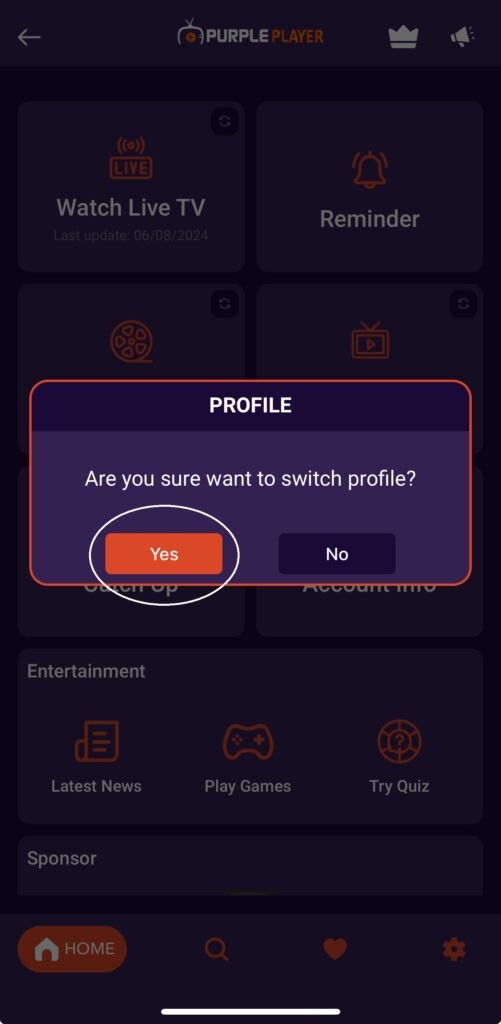
Click Yes.
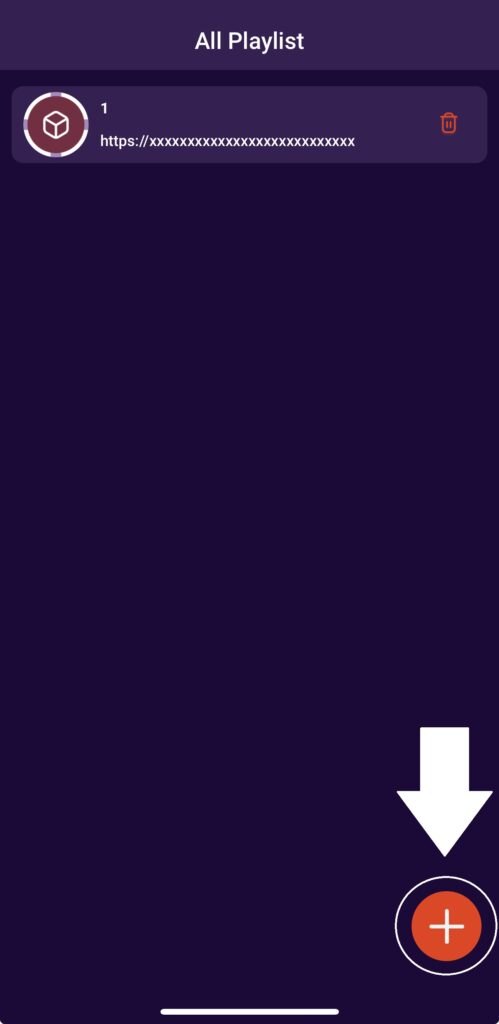
Click on the Add button to add another subscription or to switch. Select whichever one you want from the list.