🛠️ Installation Guide
Step 1: ⚙️ Settings
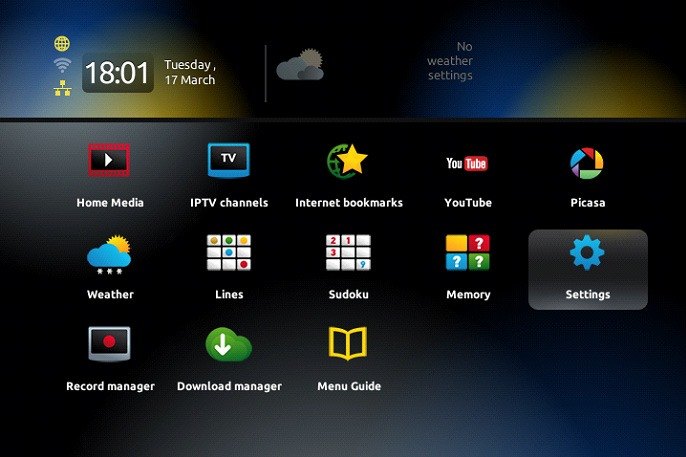
When the box is loading, the main portal screen appears. Click on Settings or press the SETUP/SET button on the remote.
Step 2: 🖥️ System Settings
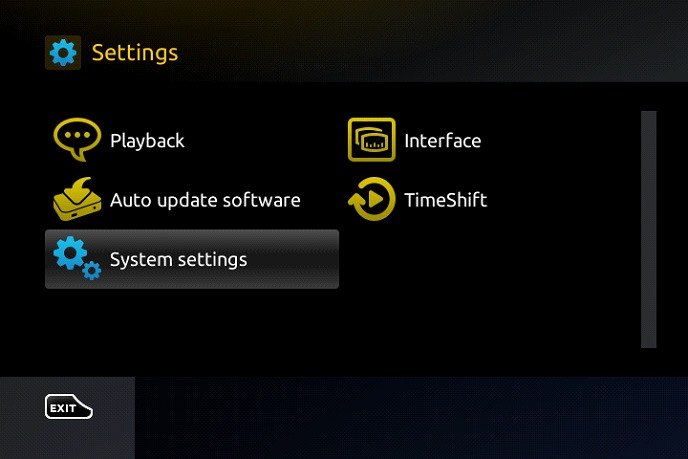
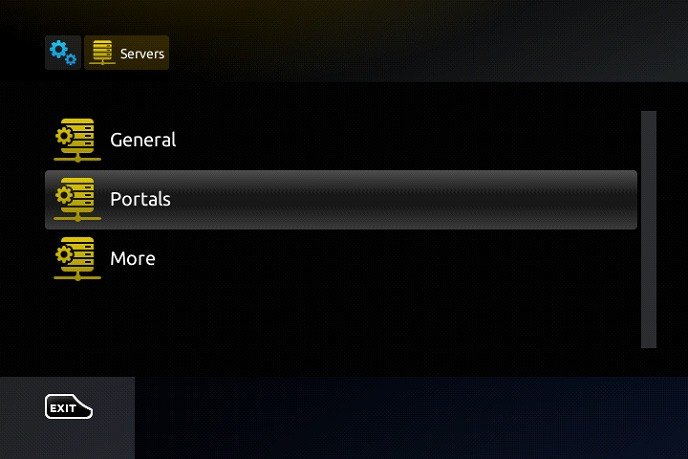
Then press on System Settings and click on Servers.
Step 3: 🌐 Portals
Select Portals.
Step 4: ✍️ Enter Your Portal
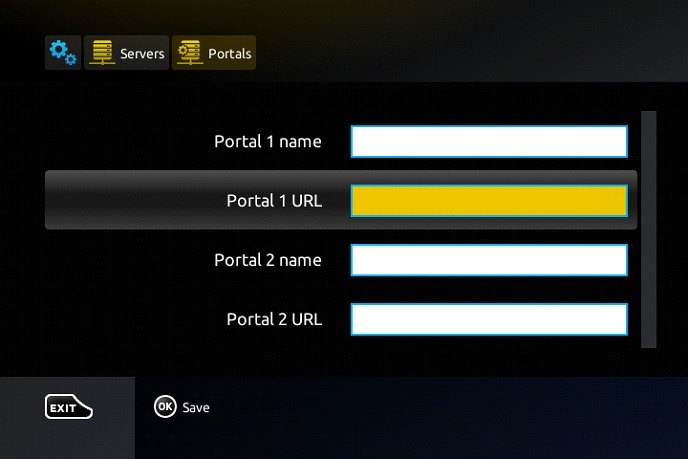
In the Portal 1 Name line, enter IPTV.
In the Portal 1 URL line, enter the portal address that we will send you via email.
Press OK to save the changes you made, and restart the portal.
🎉 Now everything is ready to start watching Live TV!