🛠️ Installation Guide
Step 1: 📱 Android Devices
If you have an Android device which can access the web browser and allows you to download, you can enter our download links and download our apps directly onto your Android device.
Continue to Step 2 for Direct Download links.
Continue to Step 3 for Fire TV / Firesticks / Fire Cube & Android TVs.
Step 3: 🔥 Fire TV & Android TV
Watch the video above.
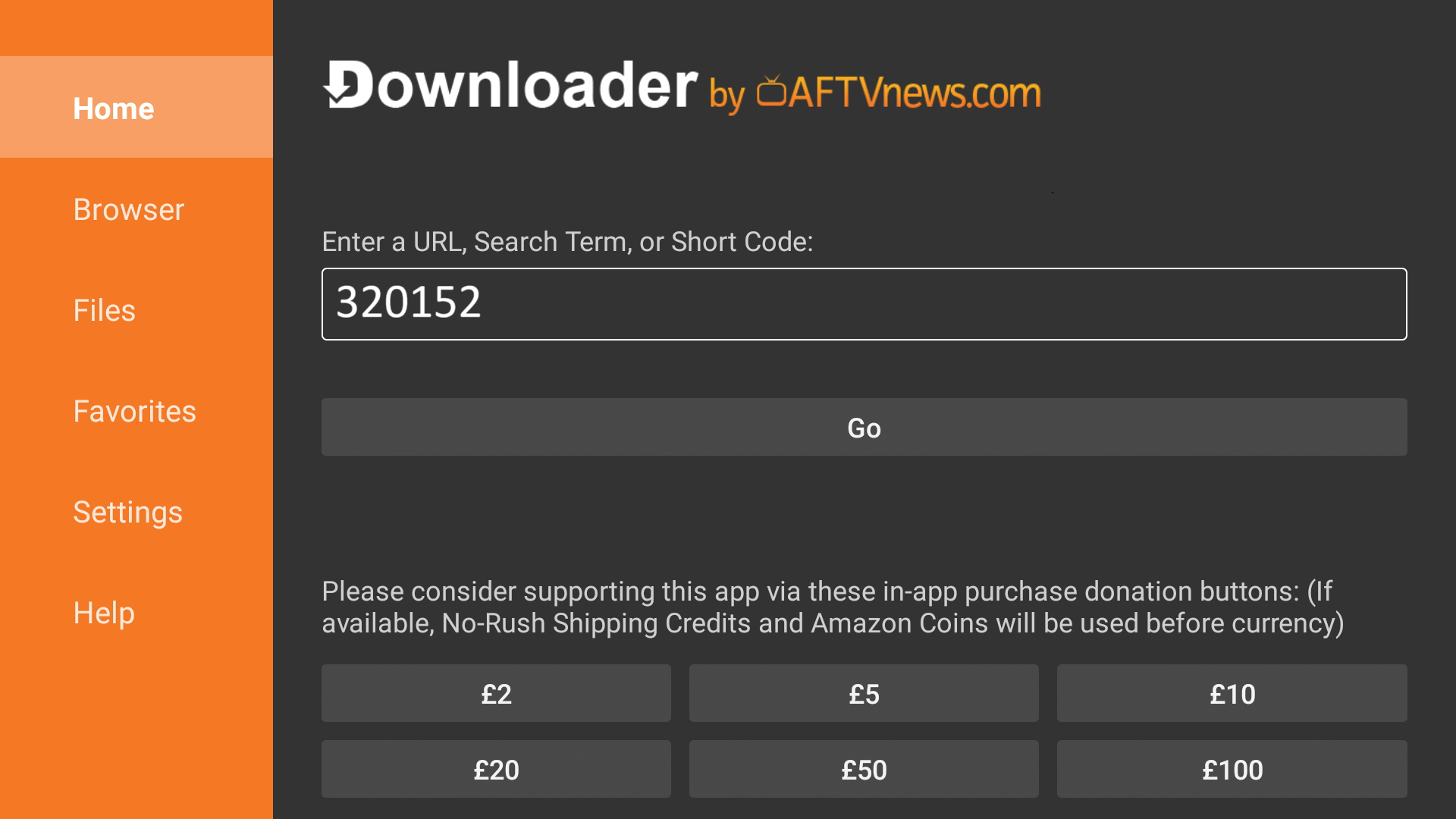
Once you’ve watched the video and have downloaded and installed the Downloader app on your Fire device, open the application, insert the code into the box shown in the picture below and press Go.
Step 4: 📦 Install the App
Our app should now start downloading onto your Fire device.
Now just install the app and open it.
Step 5: 🔑 Log In
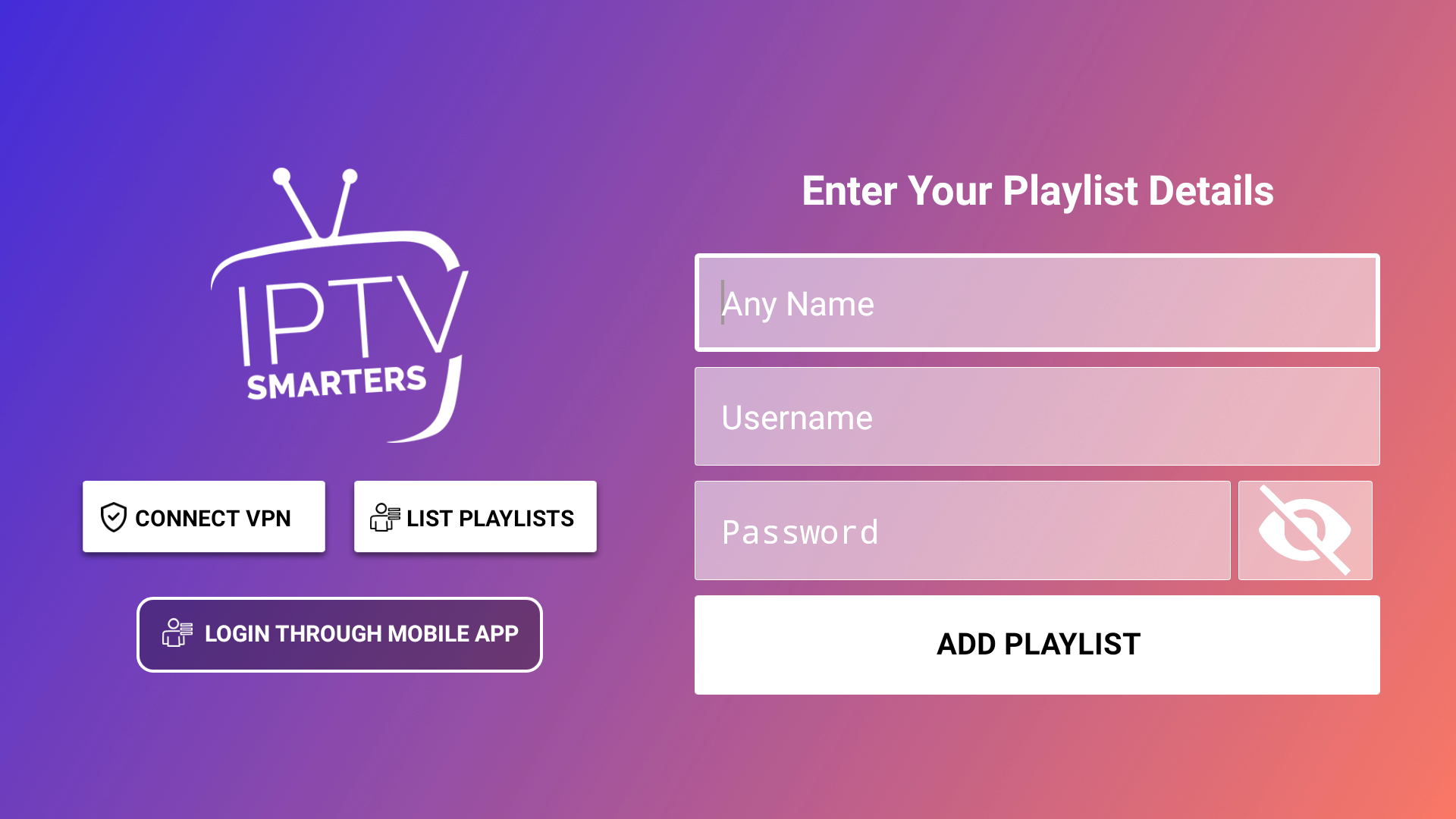
Once you’ve opened the app, you should see this screen.
Enter your login details.
Step 6: 🎉 Watch
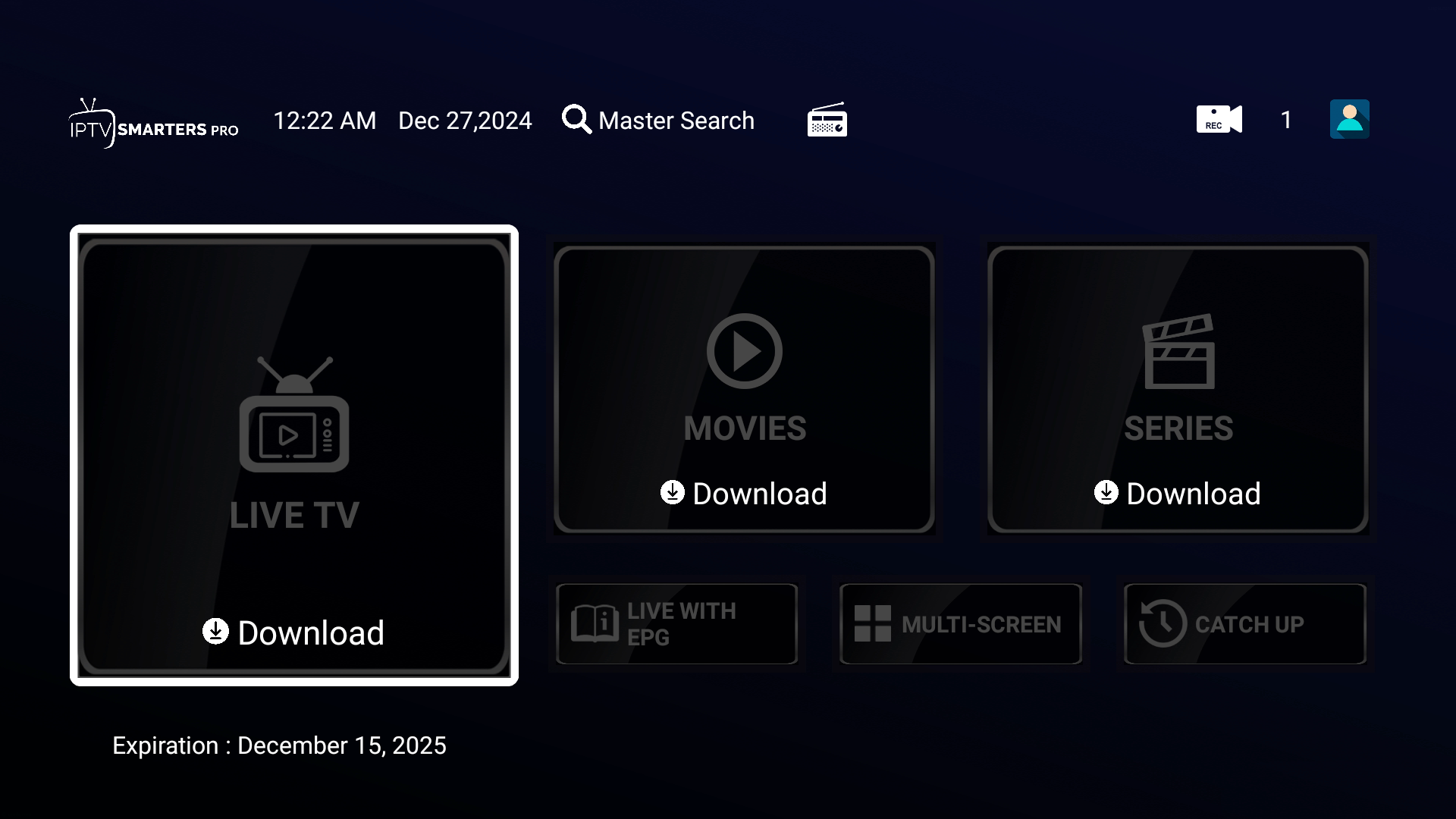
Once logged in, select Live TV and it should refresh and bring our latest content to your screen.
⚙️ Other Functions
🔒 How to Select the VPN?
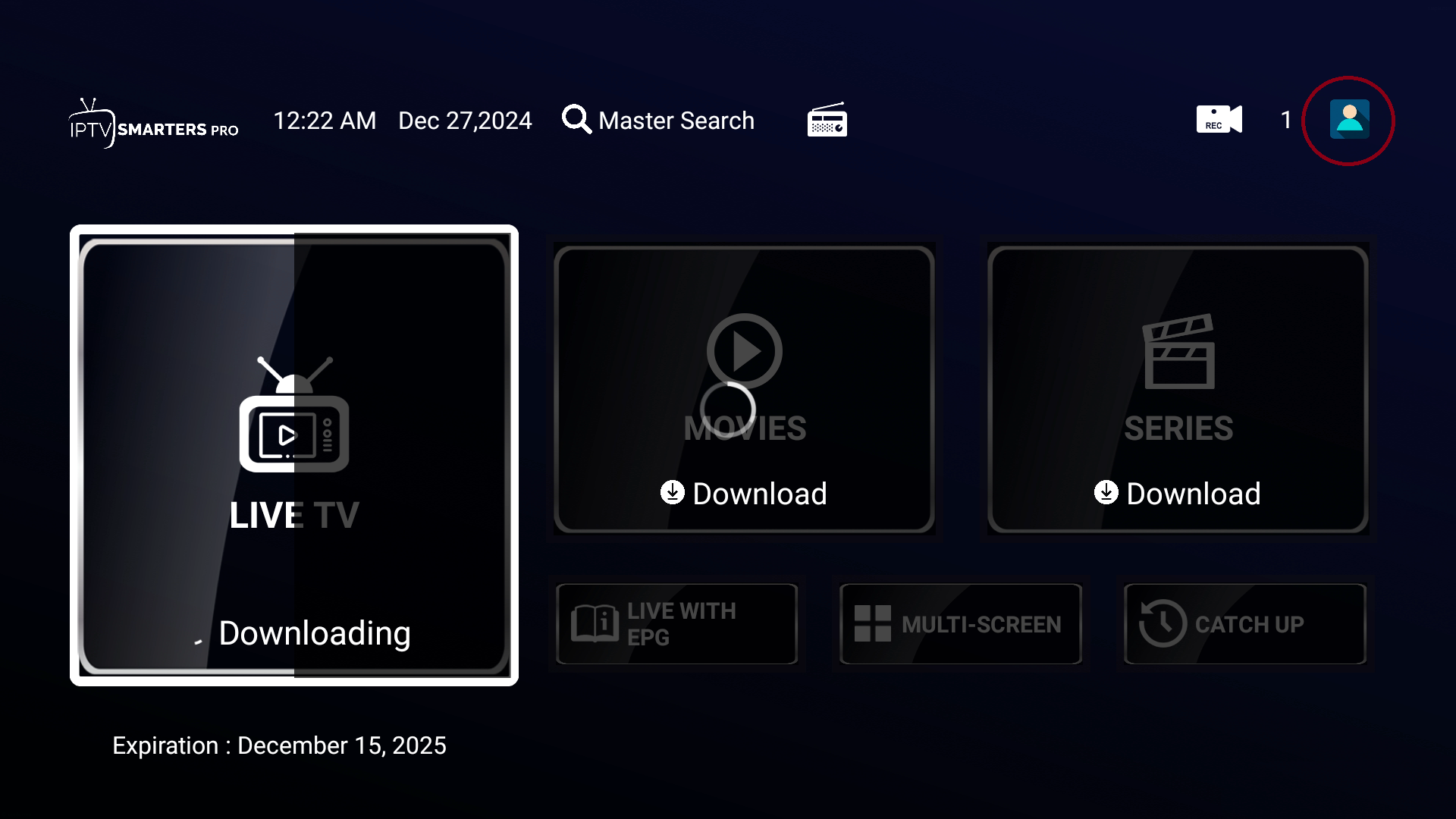
Navigate to the top right corner (circled below).
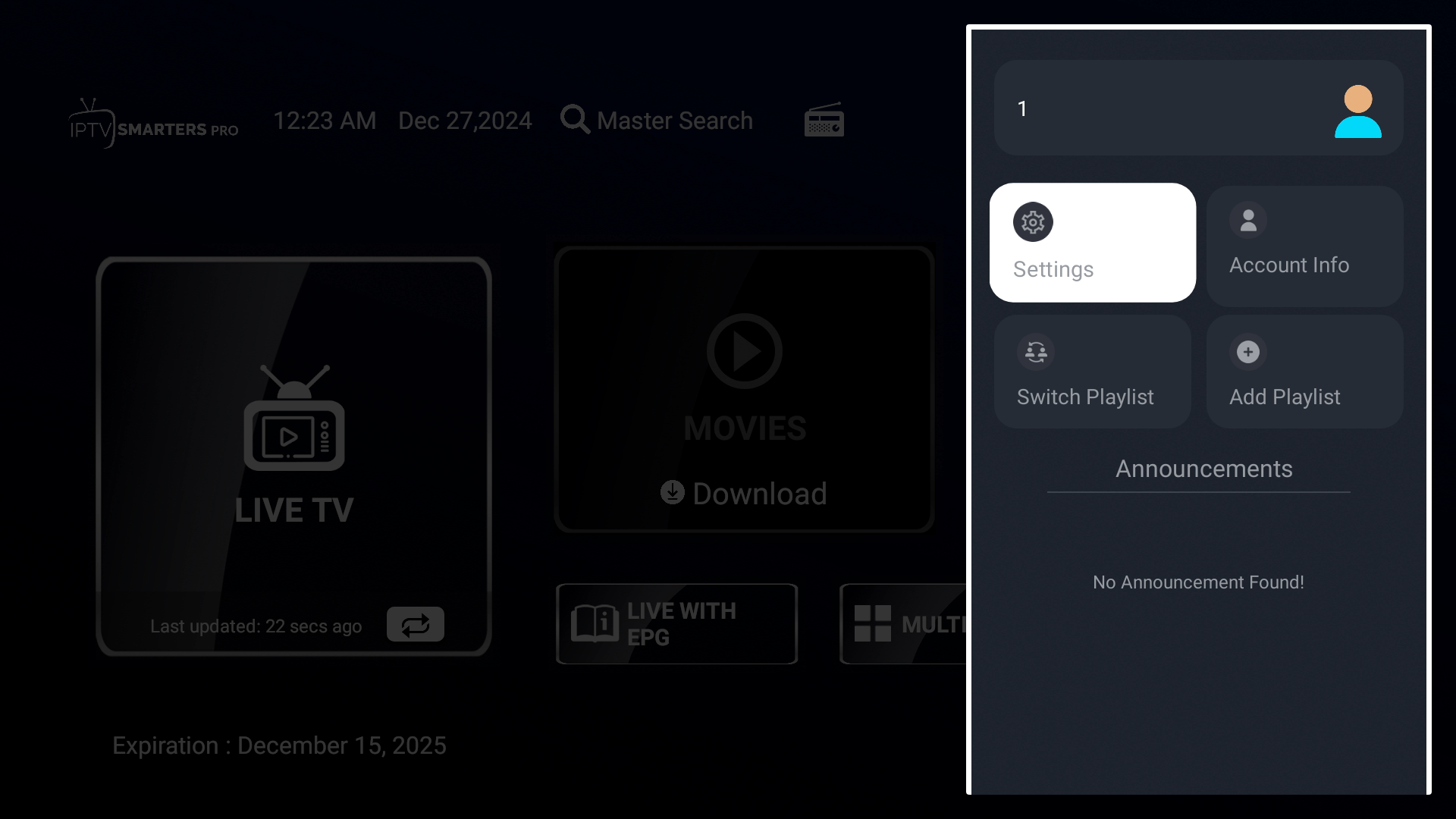
Next, select Settings.
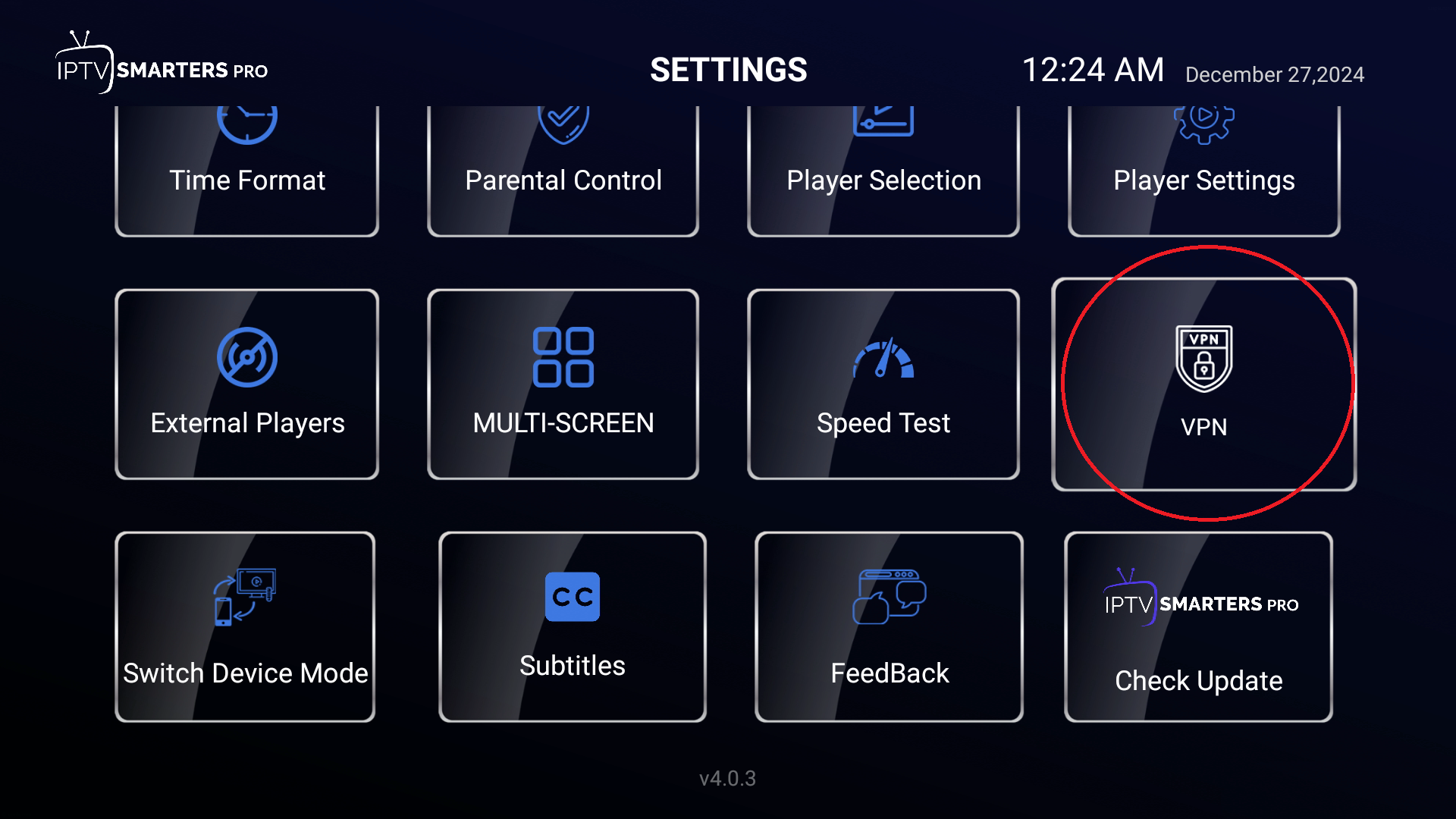
Next, select VPN.
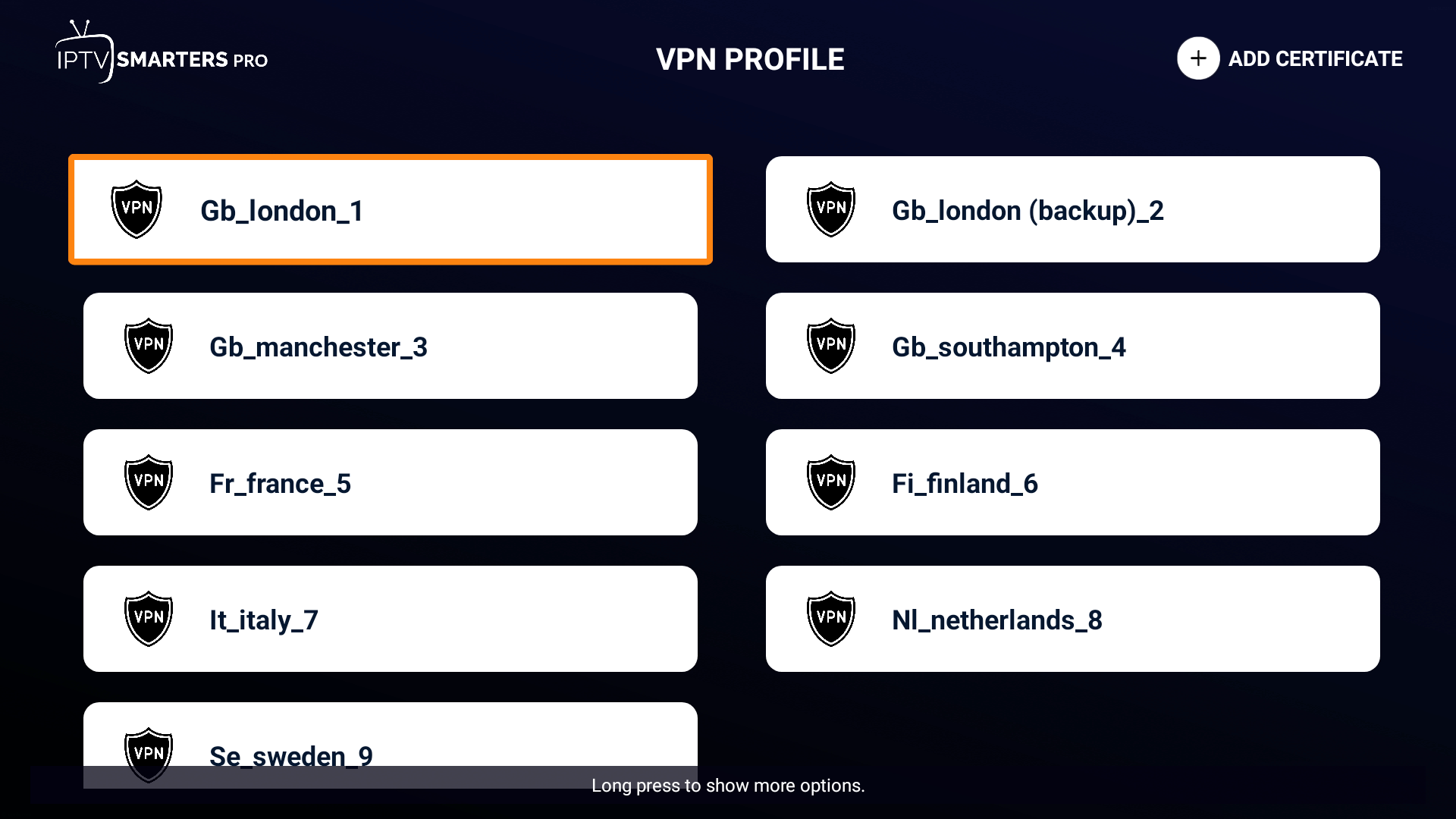
Now, select the region.
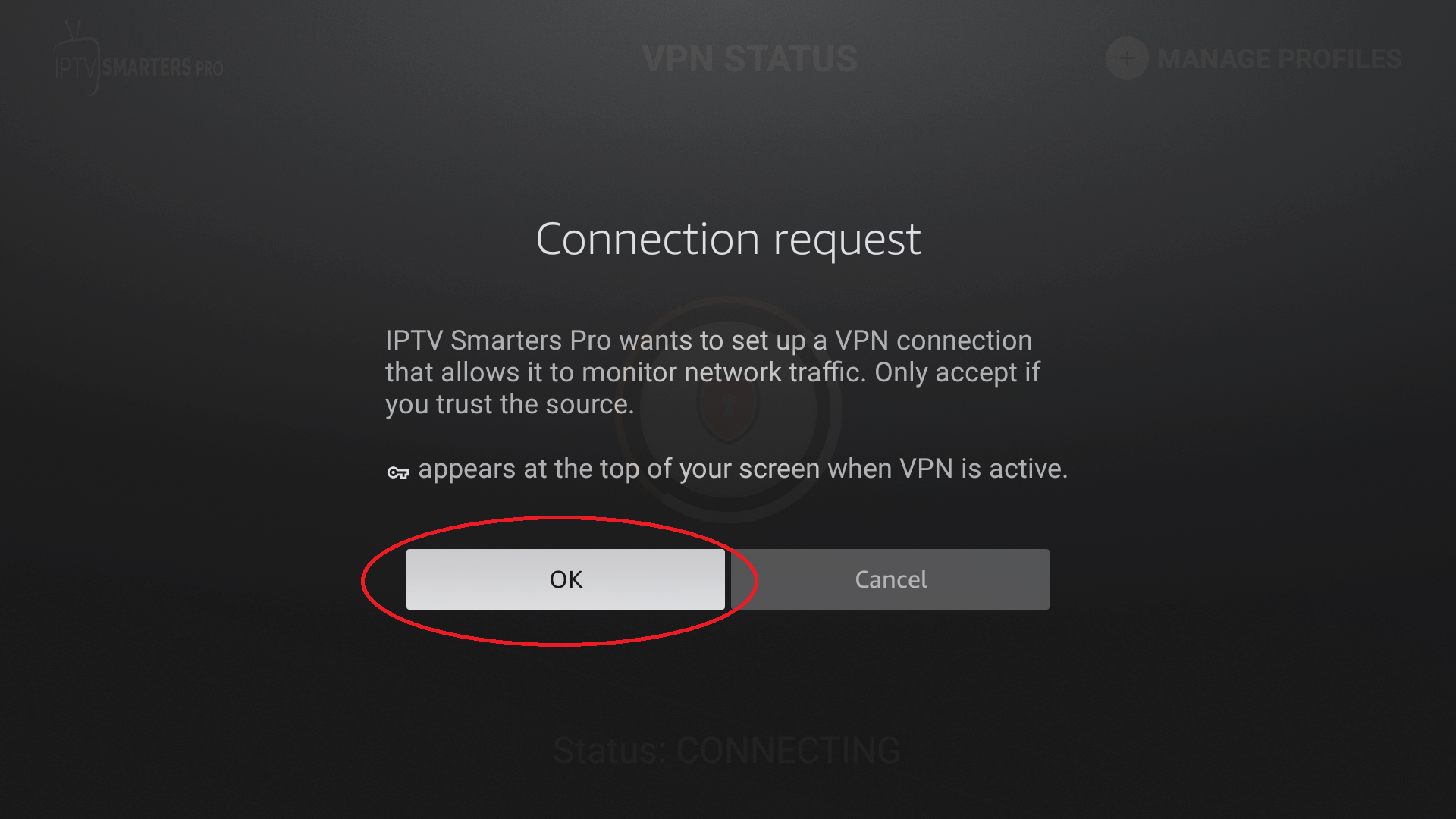
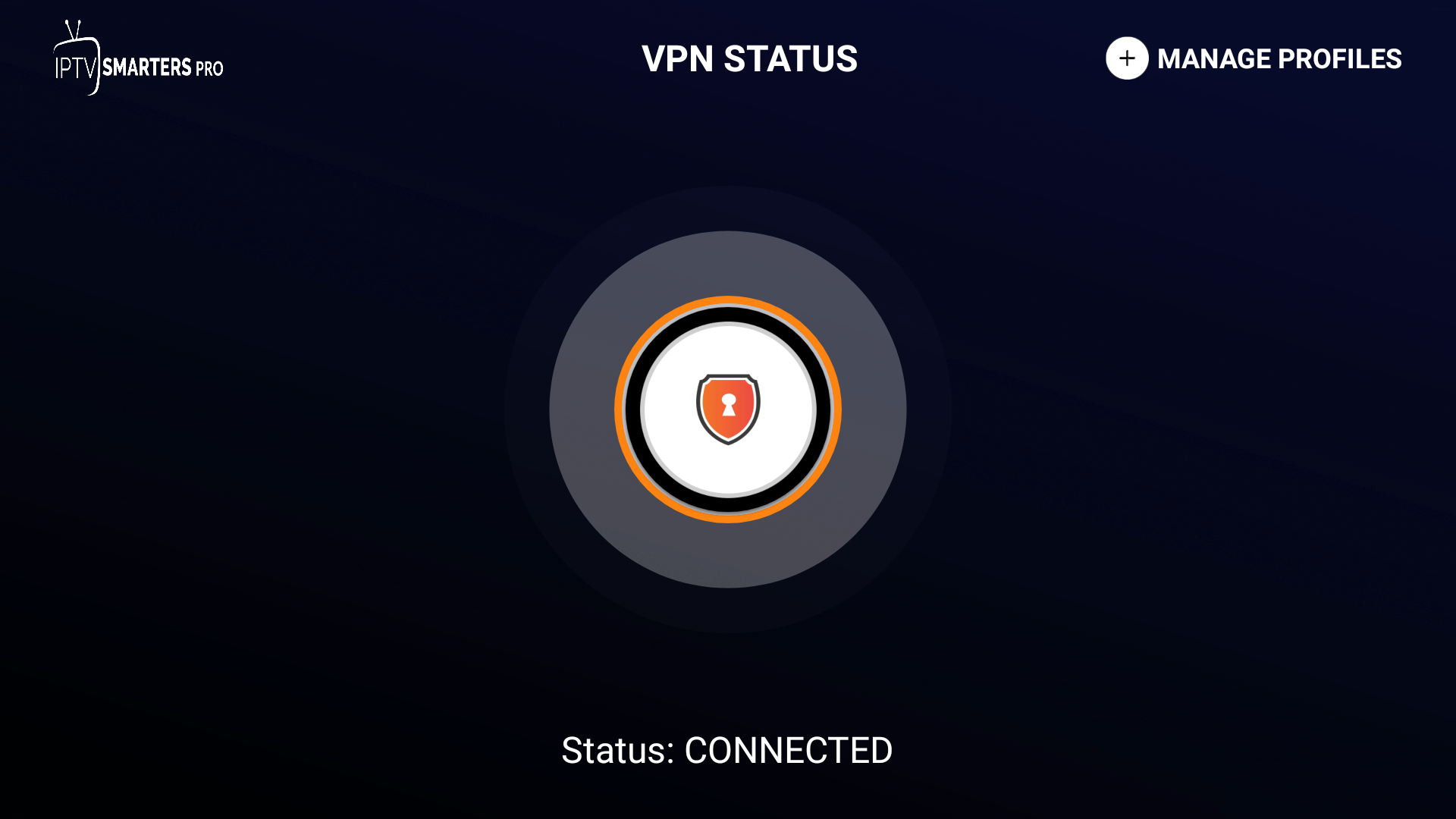
You might get this pop-up. Just select OK and it should connect you to our VPN.
➕ How to Add Multiple Providers?
⚠️ Note: You must have purchased two different subscriptions from us, meaning from the other providers on our Home Page.
Click on the circled icon shown in the image below.
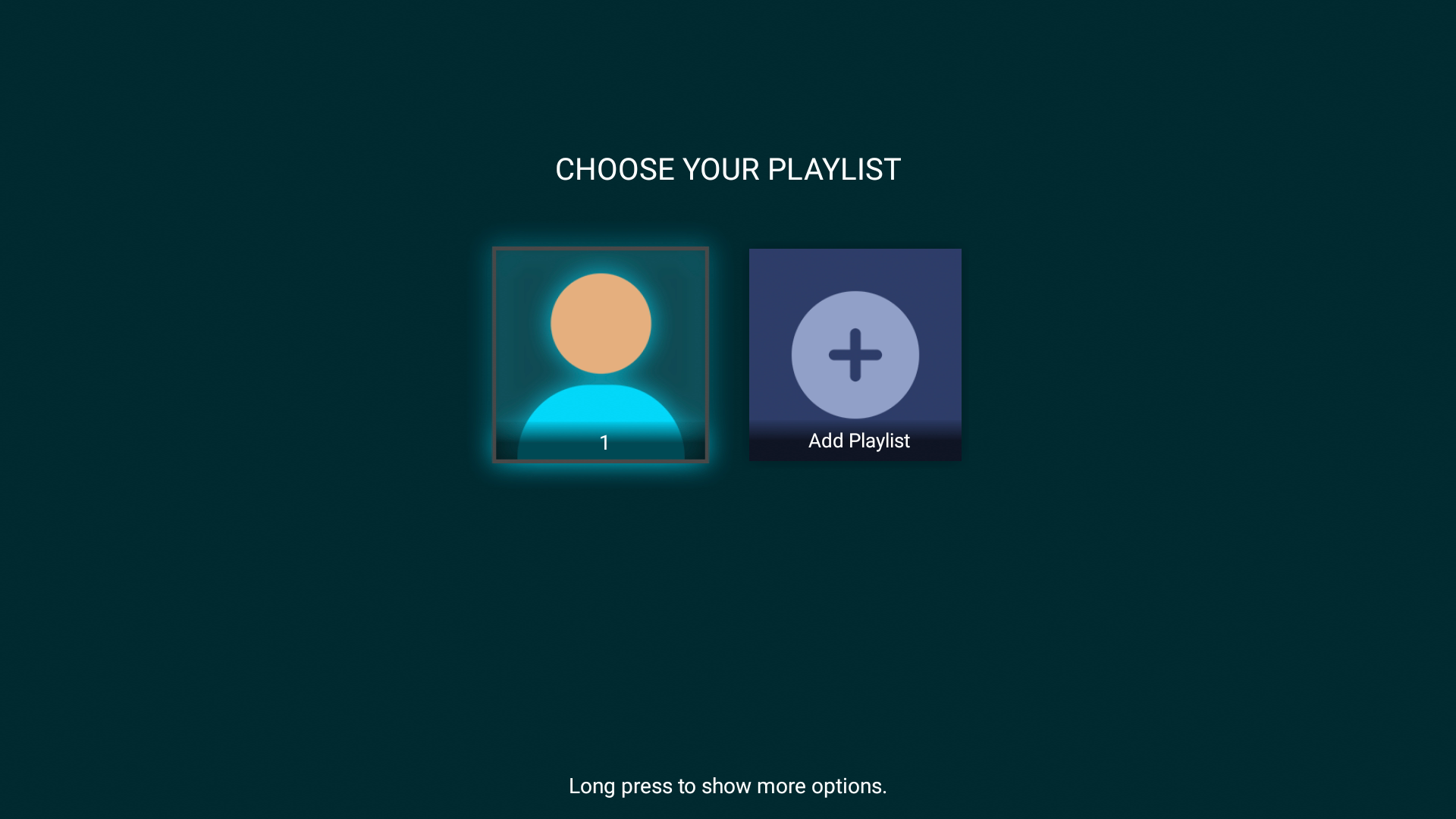
Now, click Add Playlist.
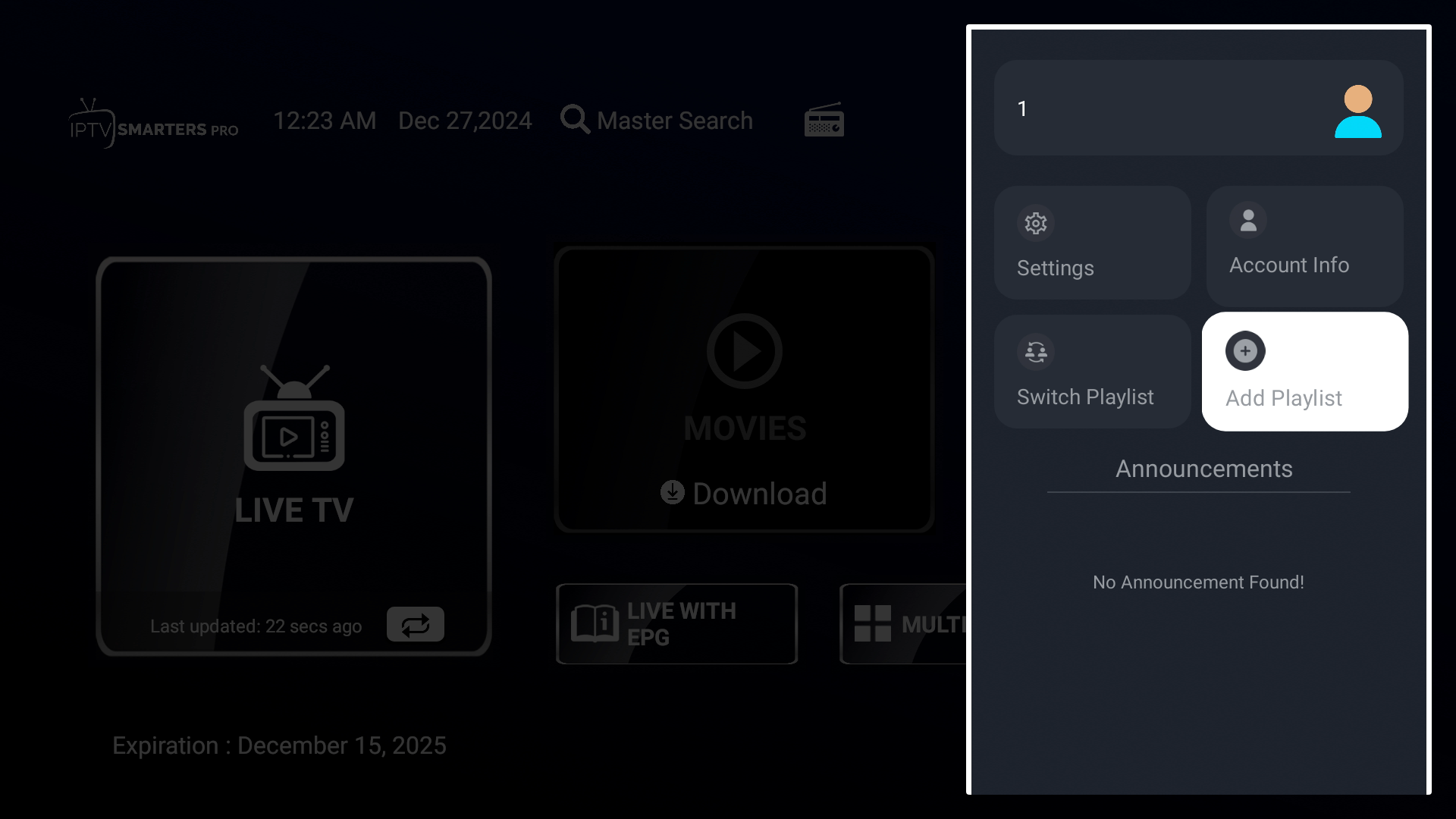
You can now enter the login details for our alternative IPTV service.
🔀 How to Switch Between Providers?
⚠️ Note: You must have purchased two different subscriptions from us, meaning from the other providers on our Home Page.
Click on the circled icon shown in the image below.
Now, click Switch Playlist.
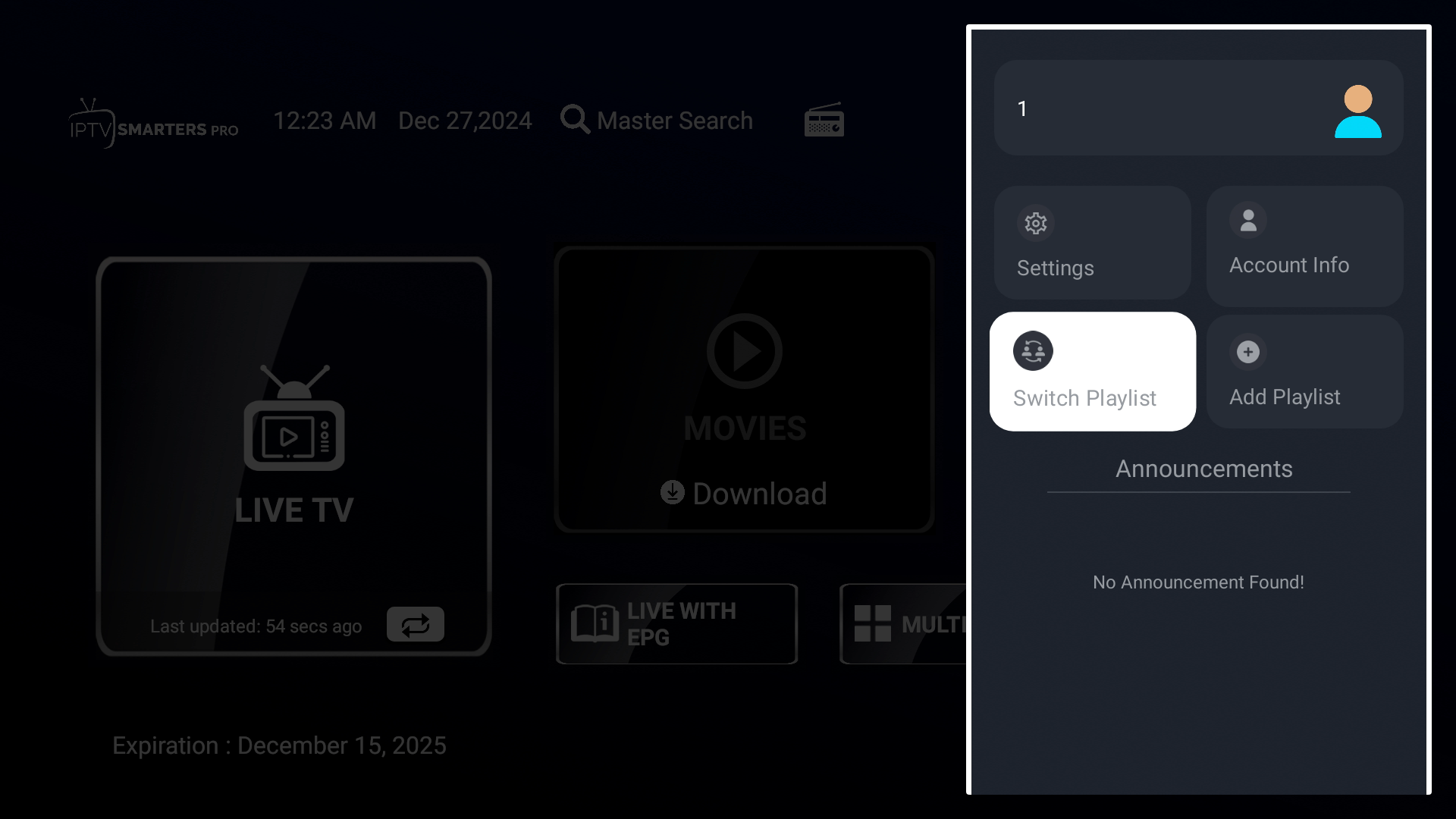
Now choose your provider.